
Overview
The Media Library module allows one to create Person records, which are then used as Hosts and Guests for the shows and episodes under the Media Library module. If desired, it is possible to add a dynamic Hosts page, where the host's information can be displayed when someone wants to learn more about the host of their favorite show.
How to
Add a Host or a Guest
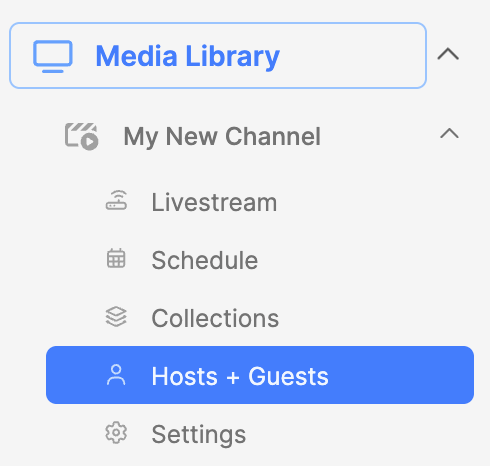
- Expand the Media Library module.
- Expand the Channel.
- Click on the Hosts + Guests submodule.
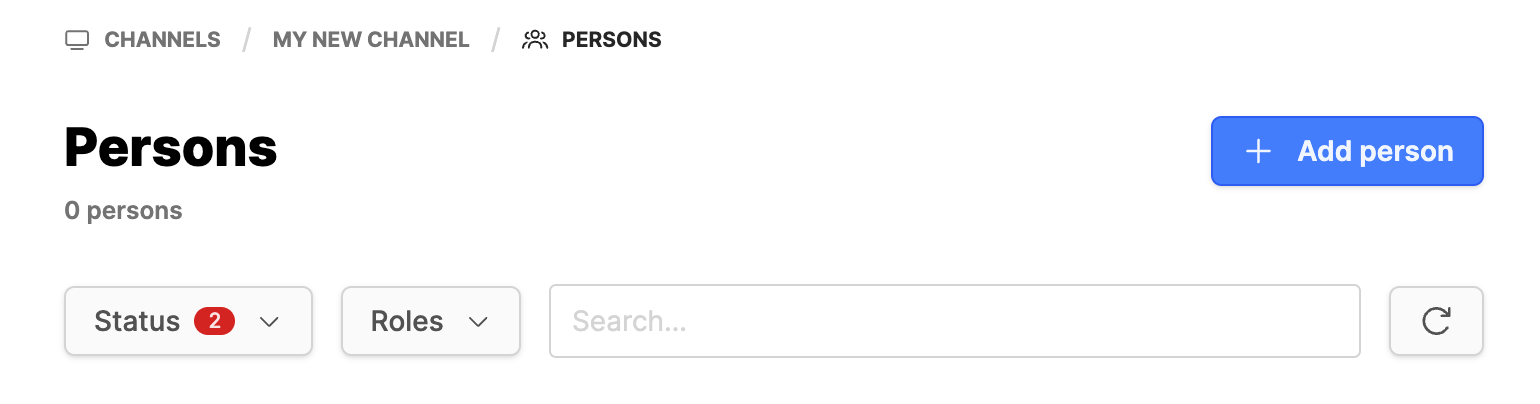
- Then click on the Add person button.
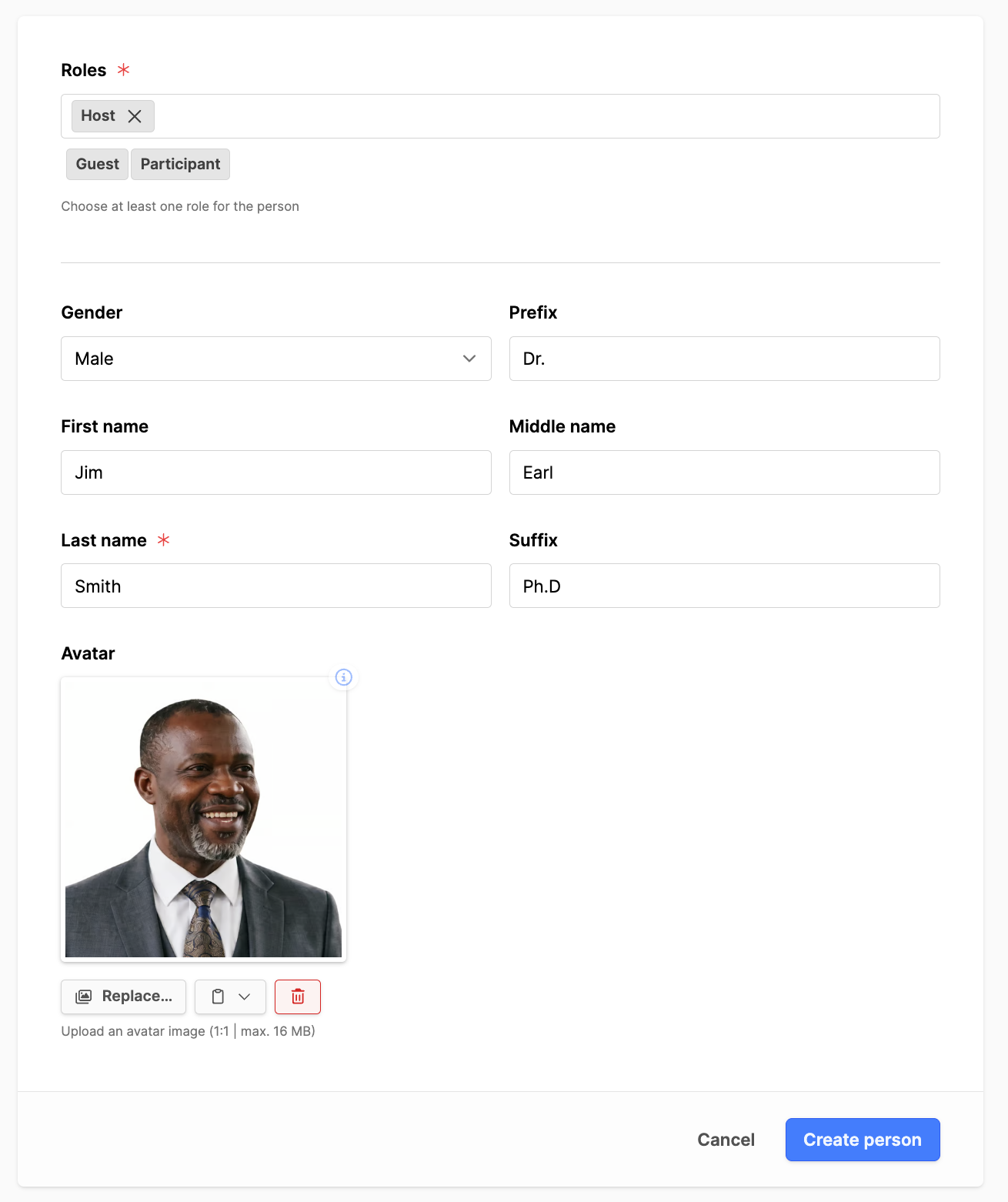
- Roles: Choose a role or roles for the person.
- Gender: Set the person's gender.
- Prefix: Add a title if desired.
- First name: Add the person's first name.
- Middle name: Add the person's middle name.
- Last name: Add the person's last name (required).
- Note: Add the person's name in the respective fields. The use case for only the last name is when a person on a show might only use their first name, for example, in a children's show, then add their first name to that field.
- Suffix: Add any suffix to the name.
- Avatar: Add an image (1000px X 1000px suggested).
- Click on the Create person button.
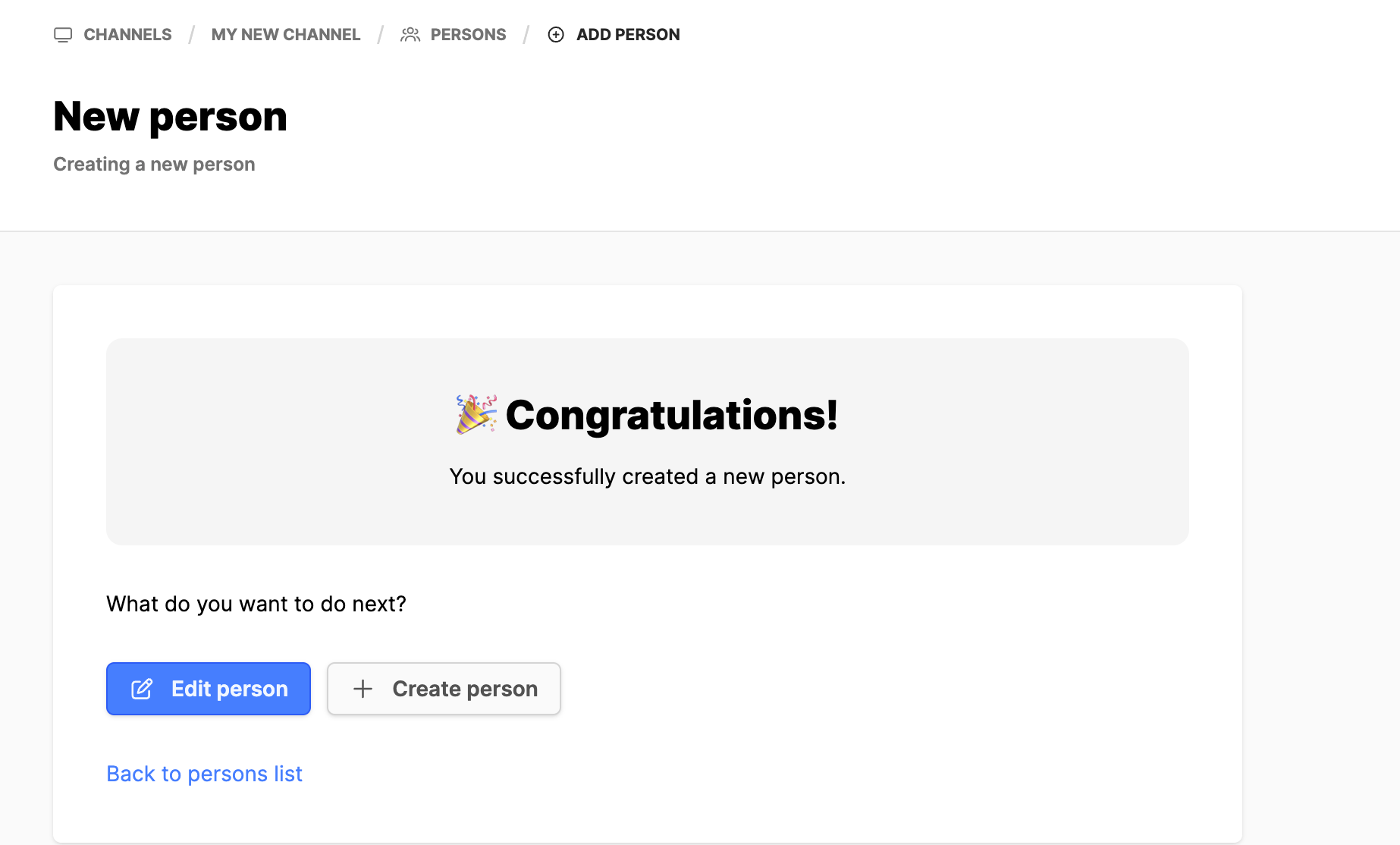
- From the Congratulations screen, decide what to do next:
- Edit the metadata of the person you just created.
- Create new person record.
- Return to the persons list for this channel.
Adding a Host to a Show
After a Person record is created, the person can then be assigned to Shows or Episodes as needed. The process is similar for both Hosts and Participants.
- Expand the Media Library module.
- Click on the Channel name.
- In the Shows, locate the show to add the person to.
- Under the column Actions, click on the 3 dots next to the show, click on Info, then click on the Edit button.
- On the General tab, scroll down to the Hosts or Participants section.
- Click in the field and look for the person you want to add for this show.
- Click on the Save button.
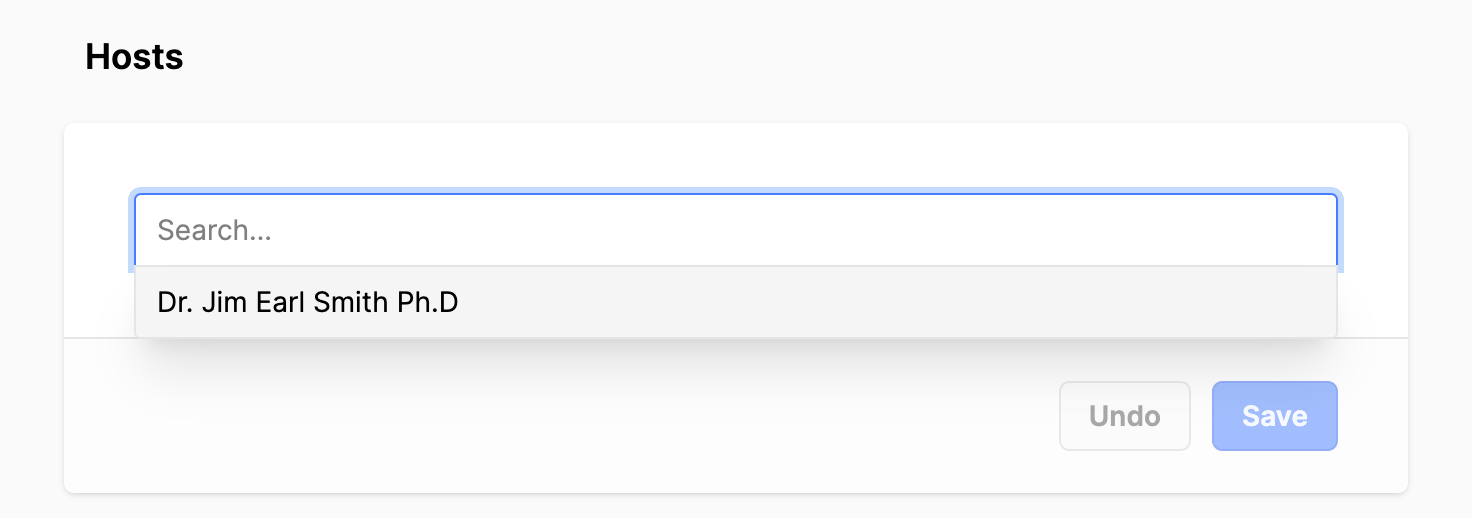
- If there are Participants or a board for this show, and these change, then add the people to that section. It is located on the General tab as well, beneath the Hosts section.
Adding a Guest to an Episode
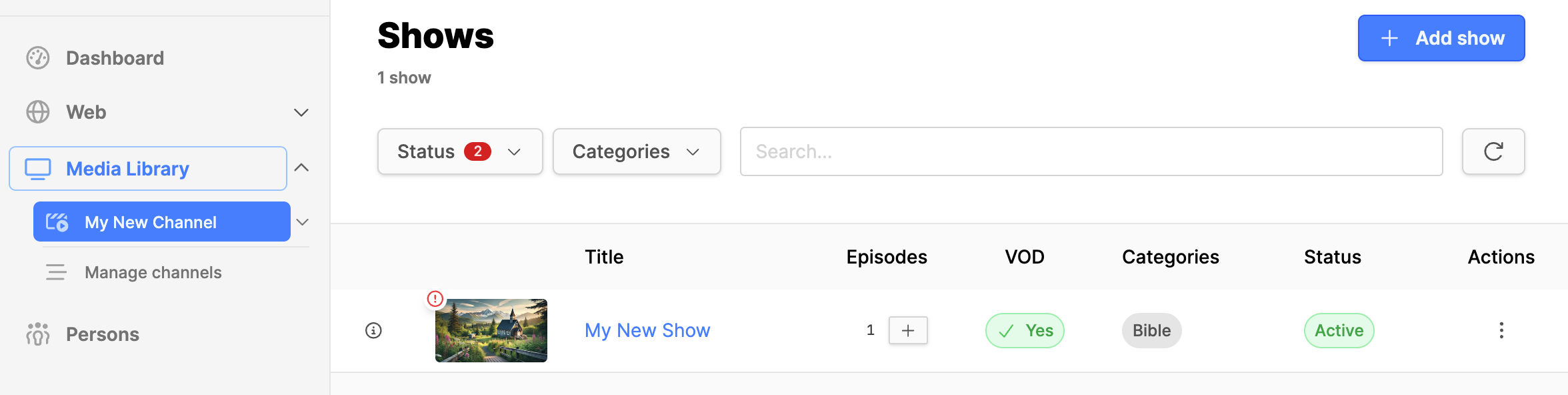
- Expand the Media Library module.
- Click on the Channel name.
- In the Shows, locate the show to add the person to.
- Click on the Show title to open the Episode index page for the show.
- In the Episodes list, click on the Episode title to edit the episode.
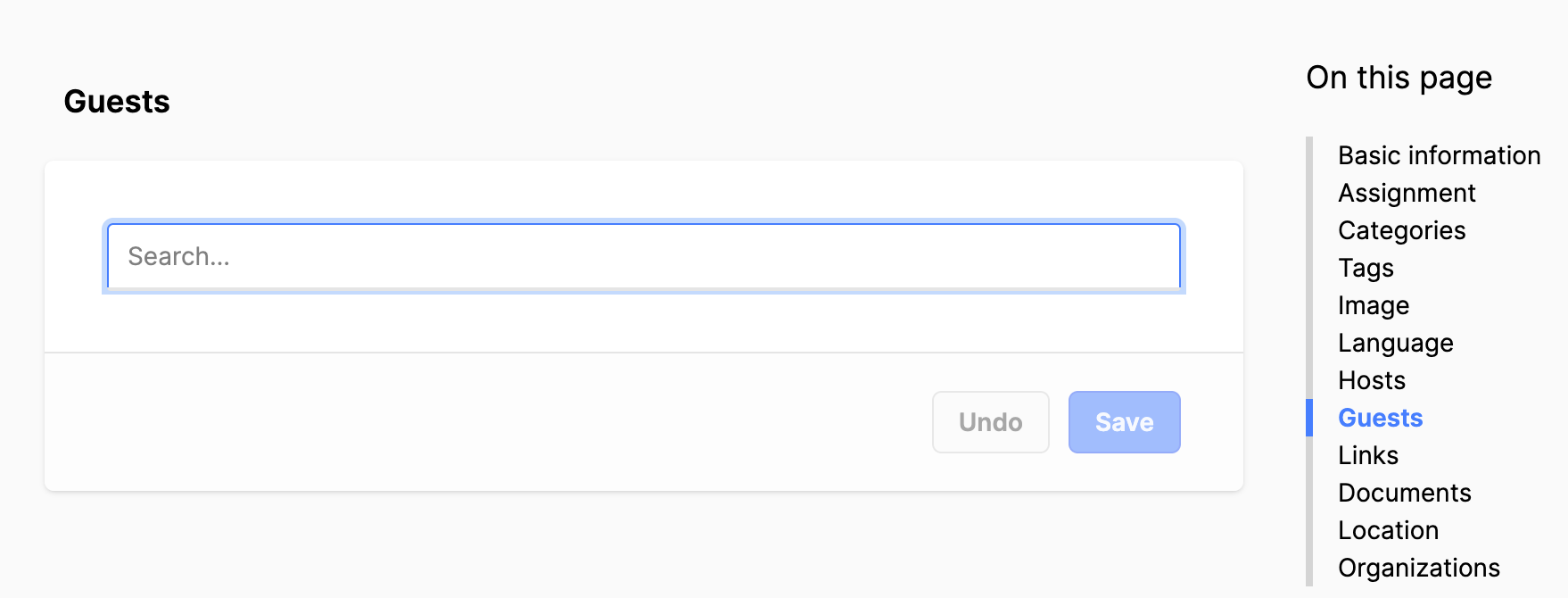
- On the General tab, scroll down to the Guests section.
- Click in the field and look for the person you want to add as the Guest for this show.
- Click on the Save button.
Additional information
- Creating a Media Library Show
- Adding an Episode to a Show
- Adding Media Library pages to a website