
Overview
This article assumes that website template for automated local churches has already been created. If this is not the case, please see the link for Creating a website Template for automated websites below.
How to
Use the website Template
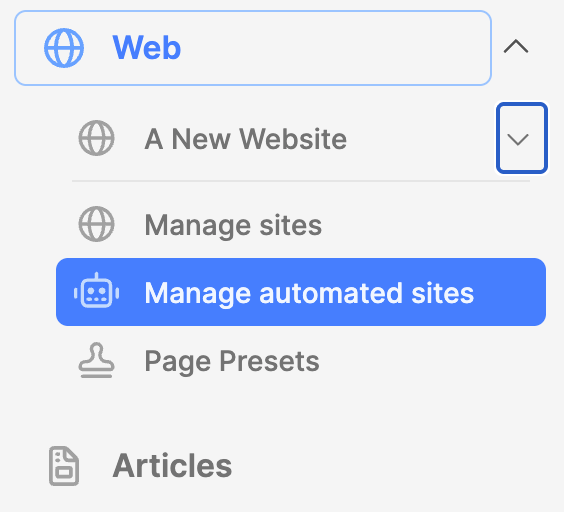
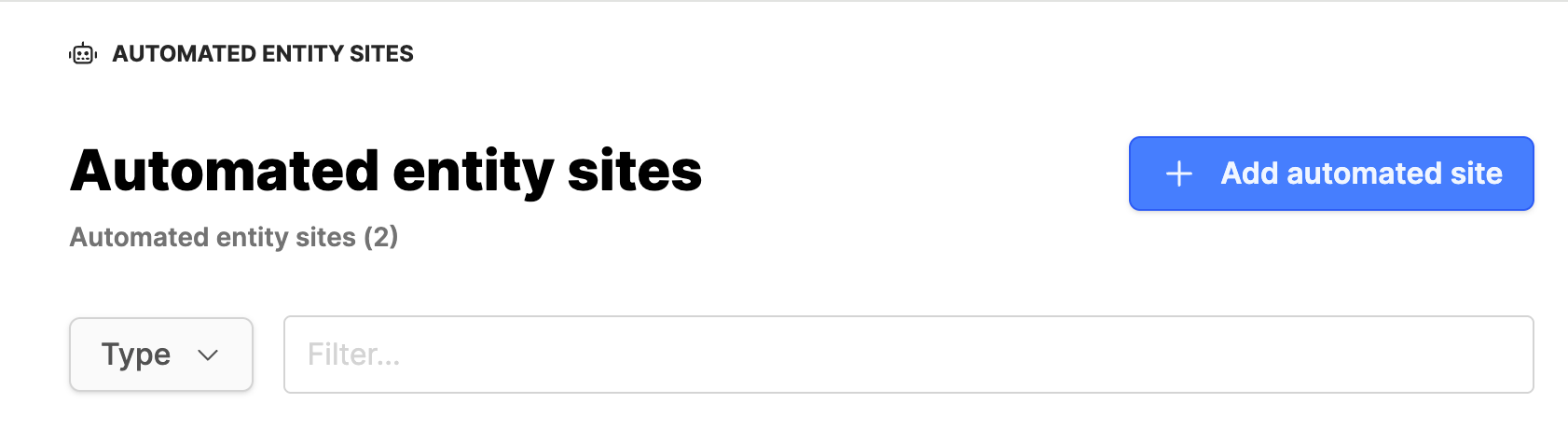
- Under the Web module, click on the submodule Manage automated sites.
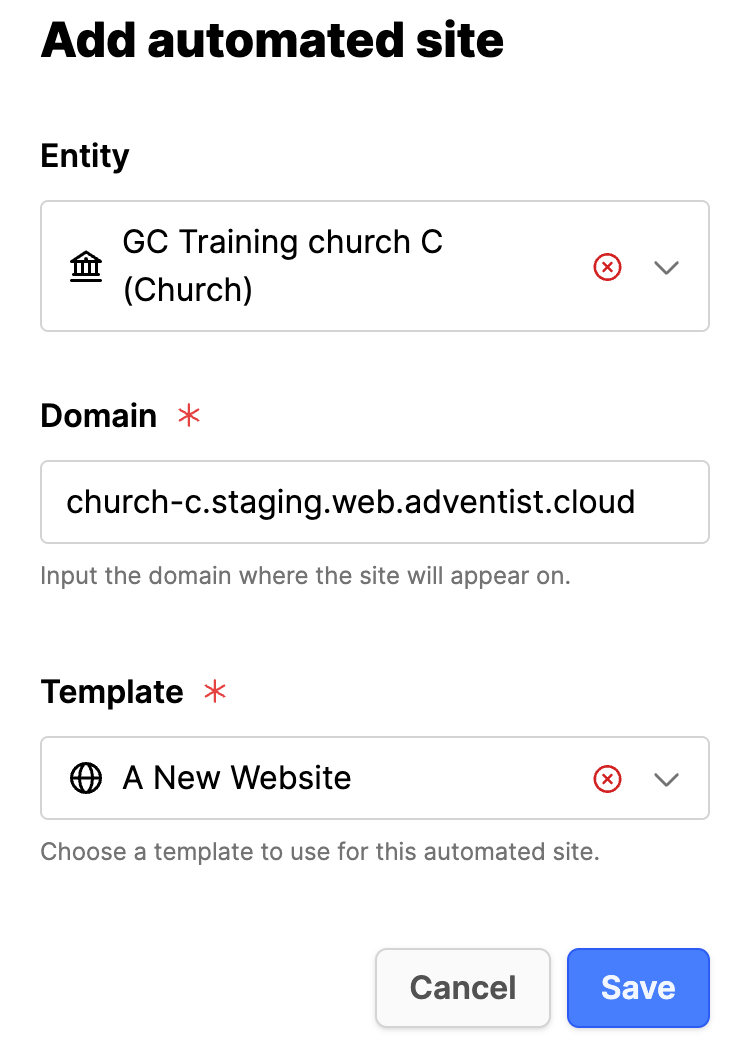
- Click on Add automated site.
- Entity: Find the entity you want to match with the template.
- Domain: Check the domain name is correct.
- Template: Select the template to use for the entity.
- Click Save button.
- Under Domain click on the URL of the automated website and make sure that it is working properly.
Additional information
- Creating a website template for automated websites
- Update an automated website template for Events
- Automated website DNS configuration